Risa T: Untitled Jam
Artists
What's up

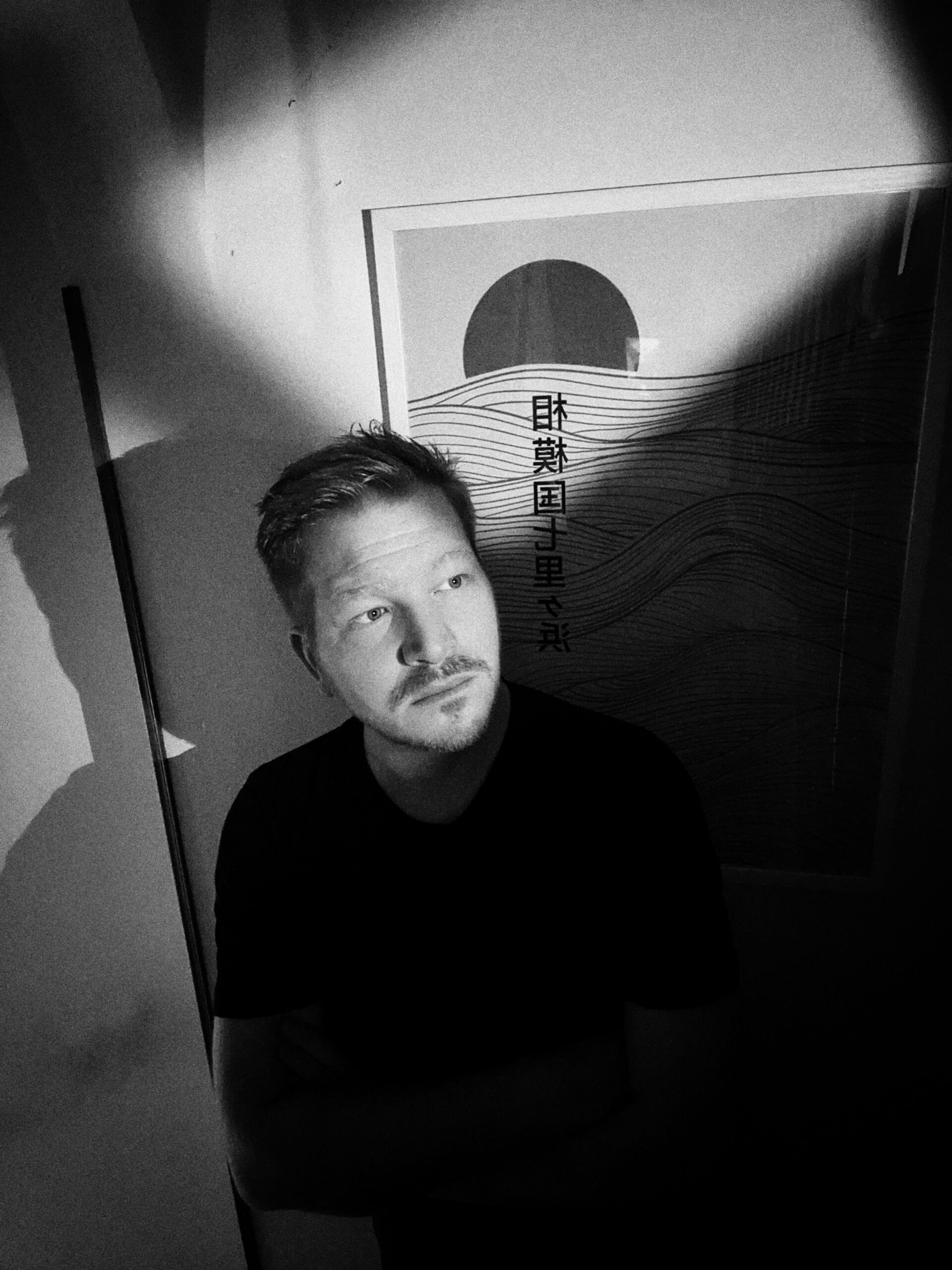
Italian producer Matthew S (Matteo Scapin) builds ambient that breathes. In this interview he walks through his palette, Ambient Zero, and gives practical production tips for slicing pads, granulating, and layering textures and effects.
Polyend: Can you tell us a bit about yourself?
Matteo: Sure thing! I’m Matteo Scapin, but in the music world, most people know me as Matthew S. I’m an Italian producer, musician, and DJ from Thiene, a small town in Veneto, born in 1989. My journey started around 2009 with my debut EP on Reiz Musik, and since then, I’ve been fully immersed in electronic music. I love its versatility; you can blend ambient textures, tech house grooves, or even classical elements to create something truly unique. Over the years, I’ve released albums like Call Me by Your Name (2015) and First (2018), along with numerous singles and EPs, from Maneki Neko to my latest work, Night in Berlin (2025). Beyond producing, I’m also a sound designer, collaborating with TV production companies and various national and international projects. On top of that, I teach Ableton Live and DJing at music schools across Italy, sharing what I’ve learned is incredibly rewarding.
In 2015, I was honored with the “Best New Generation Electro” award from MTV Italy. These days, I’m passionate about blending electronic sounds with organic and ambient elements, crafting immersive sonic worlds in every track. On my Instagram (@matthew_s_official), I share glimpses of my studio, travels that inspire me (Berlin’s been a big muse lately), and slices of everyday life. Music is both my sanctuary and my craft, and I’m always chasing the next sonic adventure.
Polyend: Can you tell us about your palette? Why did you create it, and what’s it for?
Matteo: Absolutely, I’d love to! The palette in question is Ambient Zero, a sample pack I designed specifically for Polyend. It includes 115 one-shots—basses, claps, FX, keys, plucks, leads, pads, kicks, and percussion, plus a couple of Tracker .pti kits for instant creativity. Everything’s recorded at 44.1 kHz, 24-bit stereo, pristine, and ready to drop into your projects.
Why did I create it? I’ve always been drawn to sounds that feel “alive,” as if they’re pulled from the real world rather than crafted digitally. Ambient music, for me, is about evoking emotions and spaces, sonic textures that envelop you rather than overpower. I wanted to build a simple yet powerful toolkit focused on organic elements. I craved sounds with a “pulse,” a touch of imperfection to counter the sterile precision of modern digital music.
Ambient Zero is my way of sharing that vision: rich pads with granular and reverse effects, soft percussion for subtle grooves, and keys that breathe like a weathered piano. It’s ideal for crafting dreamy, atmospheric ambient tracks, but also shines in downtempo or even house music when you need warmth and depth. You can layer a pad over a house beat for an ethereal vibe or use the percussion to balance a floating lead. It’s not about complexity; it’s a pack for producers who want to create immersive, emotional experiences without overcomplicating things. If you’re into making music that feels intimate and alive, this pack is a great starting point: raw, unprocessed samples you can shape to your vision.
Polyend: Any tips for using this palette with Polyend products?
Matteo: Definitely! I designed Ambient Zero with the Polyend Tracker in mind, so the .pti kits are plug-and-play load them up and start sequencing without any compatibility hassles.
First tip: layering is key. Take a pad from the pack, chop it in the Tracker’s editor, and use granular mode to stretch or reverse it, creating evolving textures. Pair it with a light kick or percussion for rhythm, and automate the effects chain to make it “breathe” over time.
Another suggestion: use the Tracker’s step sequencer to build ambient progressions. Assign leads or keys to different tracks, set varying lengths for polyrhythms, and use the probability function to add subtle variations; it makes loops feel alive, not mechanical, like in my track Waves on the Moon.
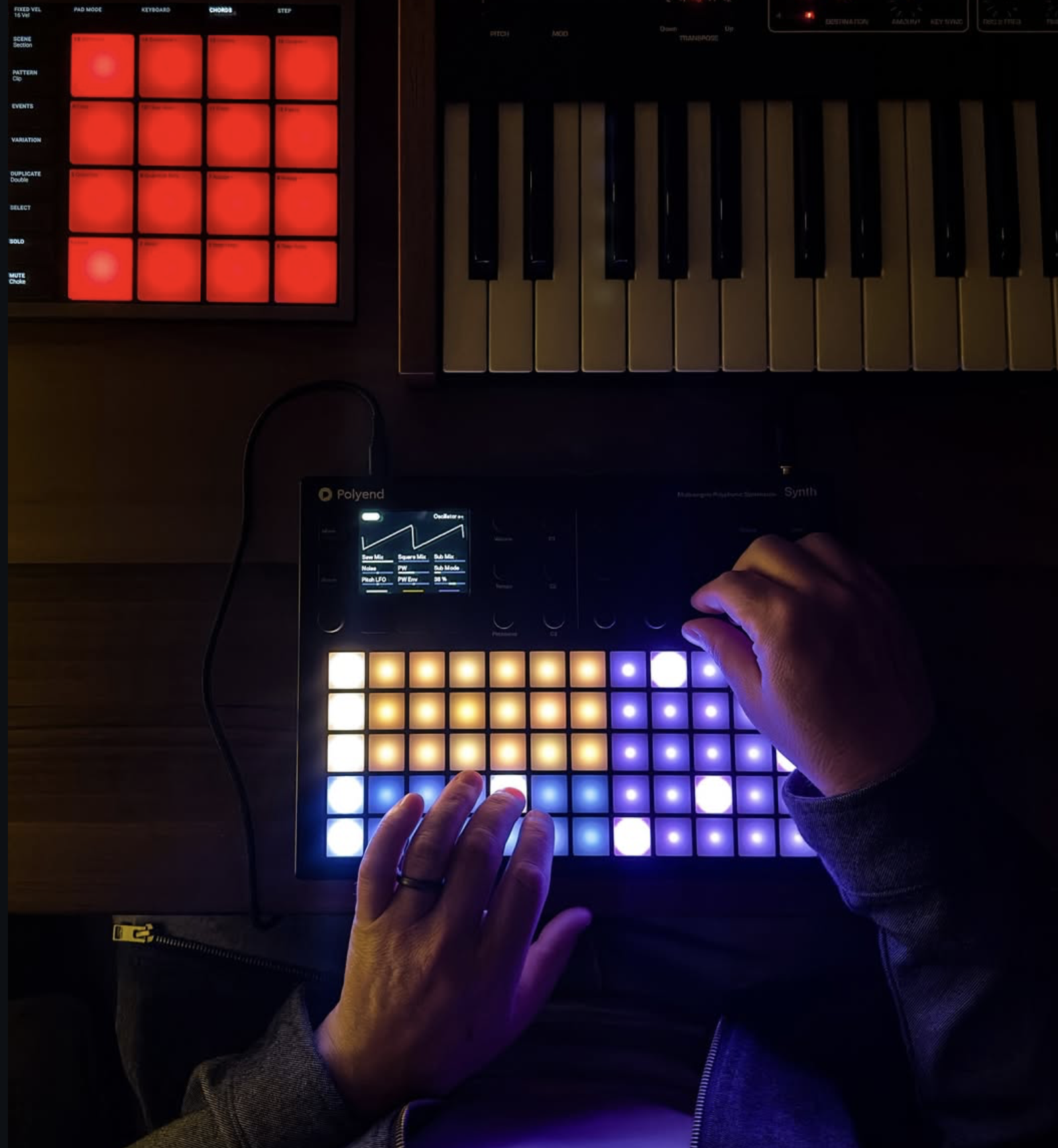
If you’re using the Polyend Play or other sequencers, import the one-shots and keep it minimal: start with a bass and pad, then add effects sparingly to create space. Pro tip: record your own field recordings (rain, wind, etc.) via the Tracker’s input and blend them with the pack’s textures for a deeply personal sound. Working with Polyend was a dream because their hardware encourages tactile experimentation, turning simple samples into full sonic worlds. If you’re new to the Tracker, check out a few tutorials, but honestly, just dive in. This pack is intuitive and inspiring.
Polyend: Can you share an underused production technique or a “secret”?
Here’s one I think is underrated but incredibly powerful: “Reverse reverb tails with field recordings.” It sounds simple, but it’s gold for ambient or electronic music.
Take a dry sound like a pluck or vocal snippet and apply a long reverb. Export just the reverb tail, reverse that file, and place it before the original sound. Then, layer in a field recording (like distant city noise or ocean waves captured on your phone) and automate its volume to swell alongside the reversed tail. The result is a magical “anticipation” effect, as if the sound is emerging from nowhere.
Why is it underused? Many producers reverse the entire sound, but focusing solely on the reverb tail keeps the mix clean and clear. Bonus tip: pitch the reversed tail down an octave for extra depth and pan it slightly off-center for an immersive feel. This works beautifully in Ableton Live (or any DAW), takes little time, and adds immense emotional weight—a simple way to keep humanity in the digital realm.
https://www.instagram.com/p/DGi3jHmCER0/
Wyświetl ten post na Instagramie